The termux Android app includes git-annex in its package repository, so installation is easy:
pkg install git-annex
Starting git-annex assistant
Just run "git-annex webapp" inside Termux. A browser window will open with the git-annex interface.
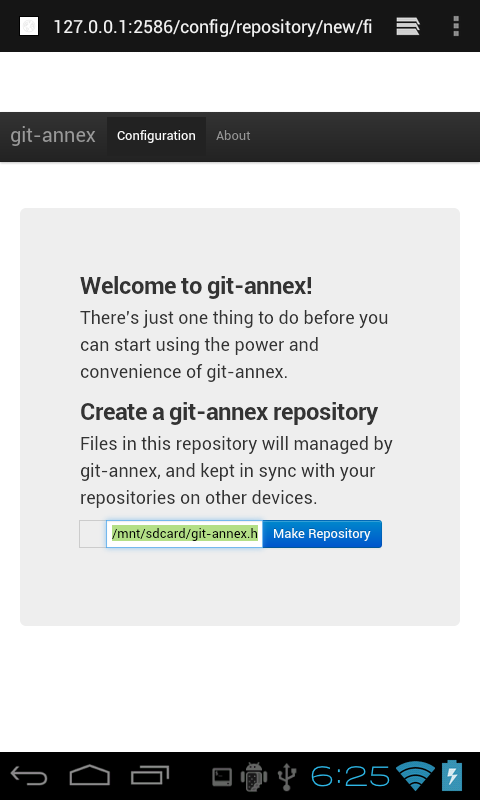
Closing and reopening the webapp
The webapp does not need to be left open after you've set up your repository. As long as Termux is left open, git-annex will remain running and sync your files.
Starting at power on
If you install the Termux:Boot app, git-annex will be automatically started when your Android device powers on. It will run in the background in whatever repositories you have set up in the webapp.
Using the command line
If you prefer to use git-annex at the command line, you can do so inside
Termux. Here we'll make a repository for photos:
    cd ~/storage/dcim
    git init
    git-annex init
You can go on to set up a ssh remote pointing to a server, and sync your files to and from it.
And so on. Most ways you would use git-annex on a Linux system work fairly well in the Termux environment.
Upgrading
To upgrade to a new git-annex release, just run git-annex-install again.